AI chatbots & assistants
Website and WooCommerce assistants for product questions, FAQs, lead capture and handoffs, grounded in approved business content.

BitwiseCode / Automate / AI & Workflow Automation
Turn repetitive tasks into dependable workflows. We develop AI-assisted experiences, API integrations and operational automations for WordPress, WooCommerce and connected business systems—with validation, visibility and human oversight where it matters.
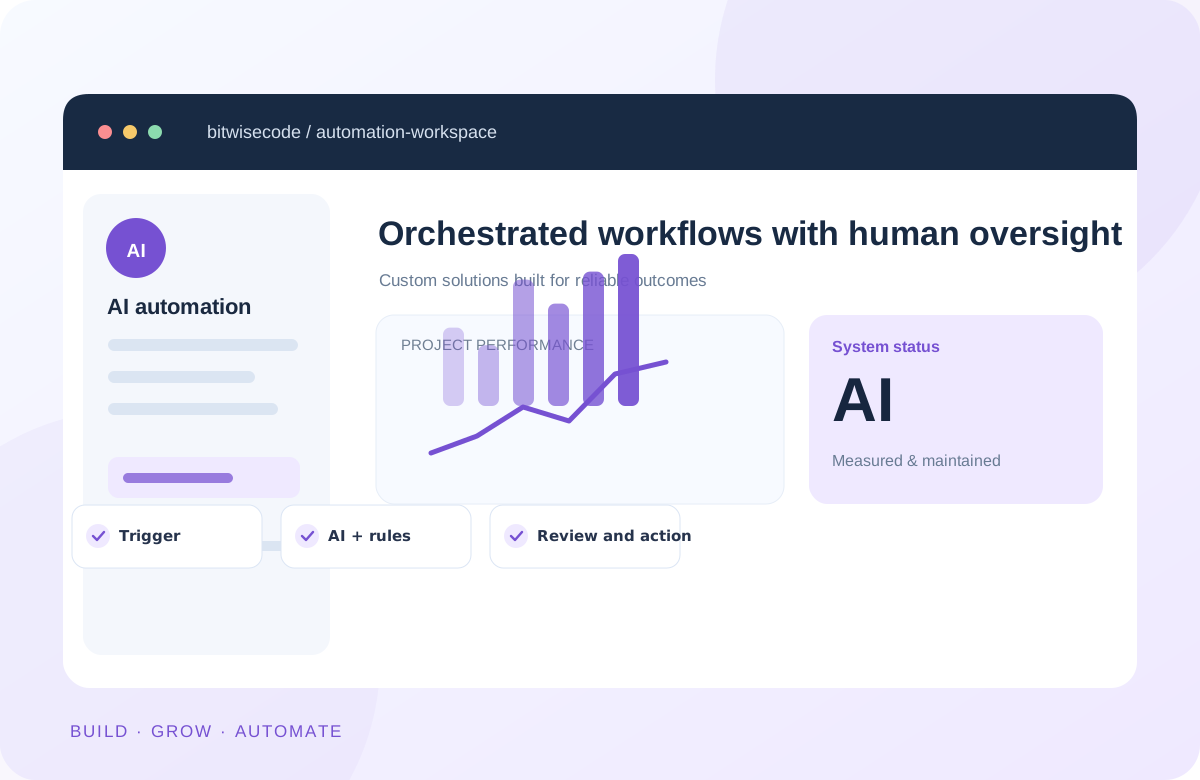
Form submission, order update or incoming question
Extract, classify, retrieve and validate relevant data
Review sensitive or high-impact actions when required
Update records, notify staff or prepare the next step
What we build
Start with a clear business problem, then use AI only where it adds value. Connect it with reliable software rules and existing systems.
Website and WooCommerce assistants for product questions, FAQs, lead capture and handoffs, grounded in approved business content.
Classify incoming requests, collect structured details and prepare CRM updates or sales follow-ups for review.
Connect orders, inventory, notifications, product data and external services without bypassing WooCommerce lifecycle APIs.
Turn recurring form entries, documents or feeds into structured data with validation and exception handling.
Connect WordPress with CRMs, payment platforms, email services, internal systems and custom endpoints.
Build focused dashboards and assistants that help teams search, categorize, draft or act on information they already use.
Responsible engineering
Language models can make mistakes. External services can fail. We combine automation with normal software-engineering controls, making consequential actions reviewable and failure cases visible.
Use cases
These are example solutions we can scope—not claims of specific customer results.
Capture an enquiry, extract project requirements, check required fields and prepare a CRM entry or notification for your team.
Answer routine questions using your approved product catalog, show relevant links and hand complex cases to staff.
React to order changes, validate stock data, communicate with external systems and report exceptions instead of silently failing.
Extract selected fields from recurring input, check formats and produce editable records for team approval.
How it works
Document triggers, inputs, outcomes, exceptions and any manual approvals.
Review source data, API access, permissions, cost and where AI is genuinely useful.
Connect systems, test ordinary and failure cases, and monitor unexpected output.
Deploy with logging and human controls, then improve based on actual workflow data.
Questions
Yes. We can scope a chatbot using your approved content or product data, with escalation paths, access checks and suitable guardrails.
Not necessarily. We first review what you already use and connect existing services where their APIs support the required workflow.
Some changes can be automated, but critical or irreversible actions should use validation and approvals. The correct level of autonomy depends on the risk and your requirements.
We design around data minimization, access permissions and provider capabilities. Any sensitive-data handling should be reviewed against your legal, contractual and security requirements.
It depends on the workflow, the number of connected services, data quality and testing requirements. Third-party API or model usage fees may be separate.
Yes. We can investigate errors, webhook events, authorization, missing validations and unreliable retry logic before proposing a fix.
Have a repetitive workflow?
Share the current steps, tools involved and what takes the most manual effort. We'll discuss a practical first implementation.